Skip to content
IEEE Sign In & Registration
Step to Sign In :
Open your web browser and go to the https://ieeexplore.ieee.org/
User Can go to the top right corner and select sign.
user need to make sure that they need to be in campus for the sign in.
Registration :
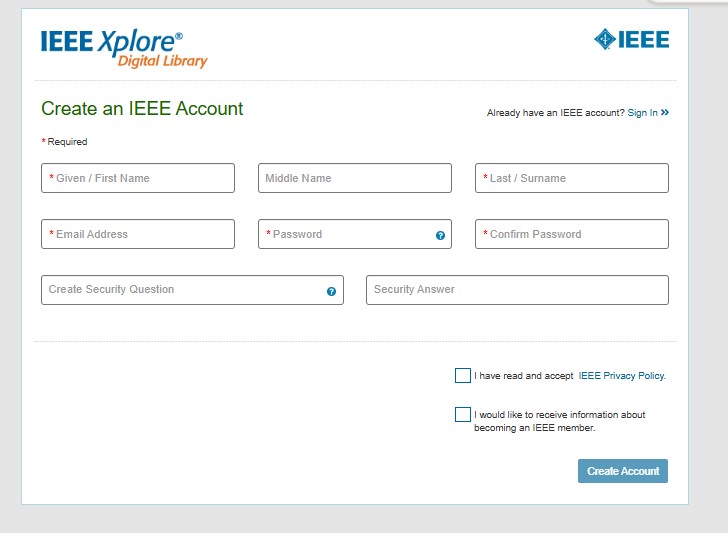
if User do not have account they have to register them self by using “Register” Button on Top right by using institutional domain.
Step 1- Click on Register button and Put the Email Address and Click on Continue.
Step 2- New page will appear where user can fill in all their details and Click on Continue.